
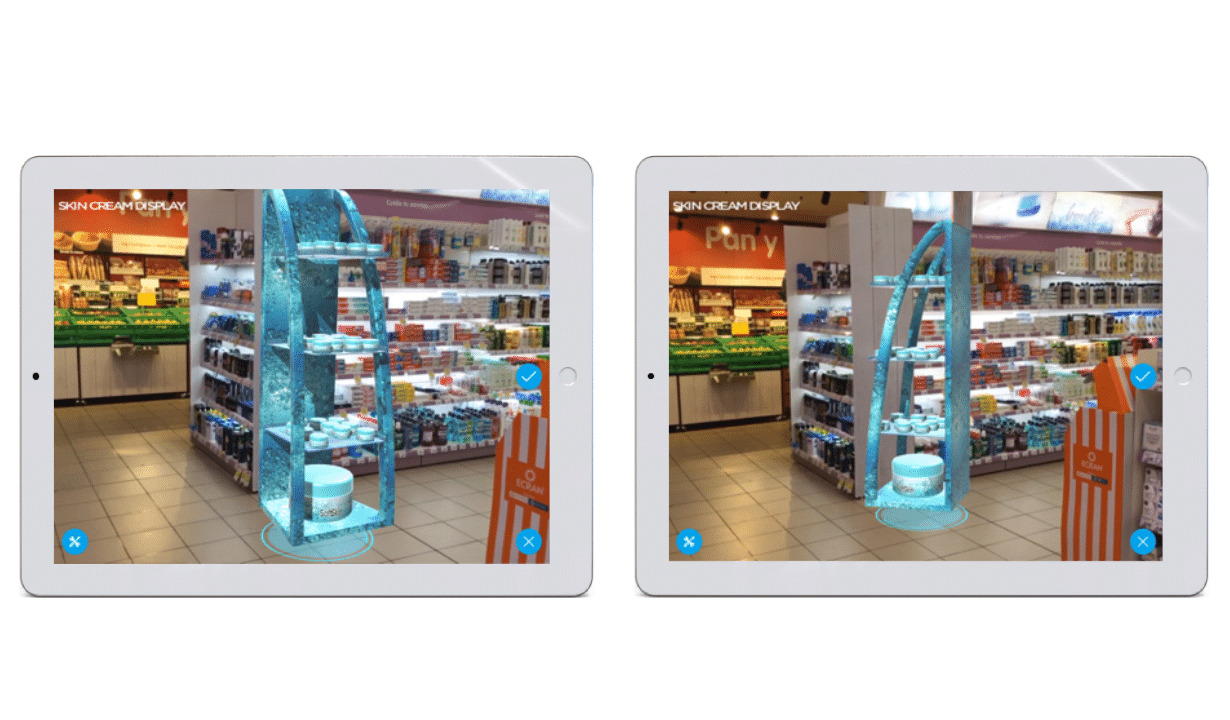
Alice allows you to move an item through space to place it wherever you want. To that end, it is essential to press the object selected and to drag it around to position it anywhere on the screen.
It is also possible to rotate any product to visualize it from multiplate angles. To get the item turned around it is necessary to use two fingers, to maintain selected the product with both and to scroll them across the screen in a circular direction. The easiest way to do it is using you index finger and thumb.
A blue mark will always appear under products. This mark points out the exact place where objects is going to be placed on the surface.
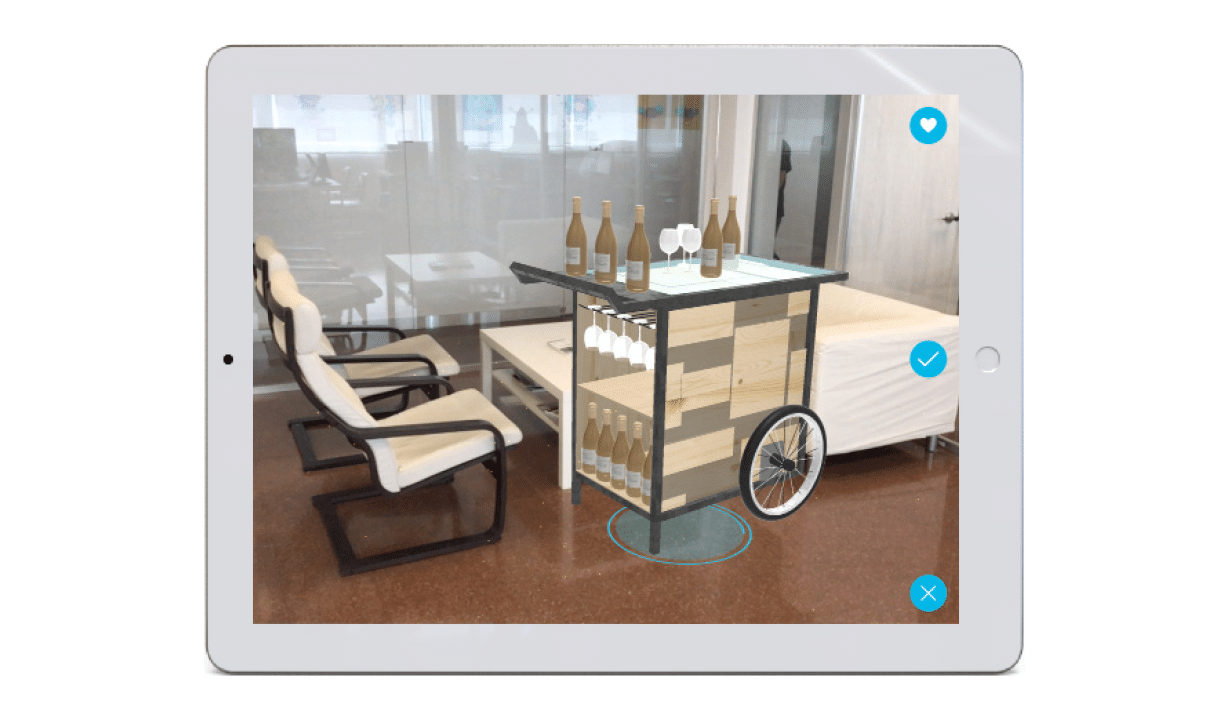
When you click in the tick, the product fixes on the scene in the same position that appears, and the blue mark comes out under it. To change position again on the screen, it is only necessary to press again on the product and this will be in mid-air again, ready to be relocated.
The product is saved in the favorite category of the catalogue once you have pressed the icon.
This option is only available in case of Alice is used by the sales team. This facility helps to visualize and access quicker to those products included in this category.
To delete a product of the scene it is necessary to select it and press the icon in X form. Once you have done it, it will automatically disappear from the screen.

