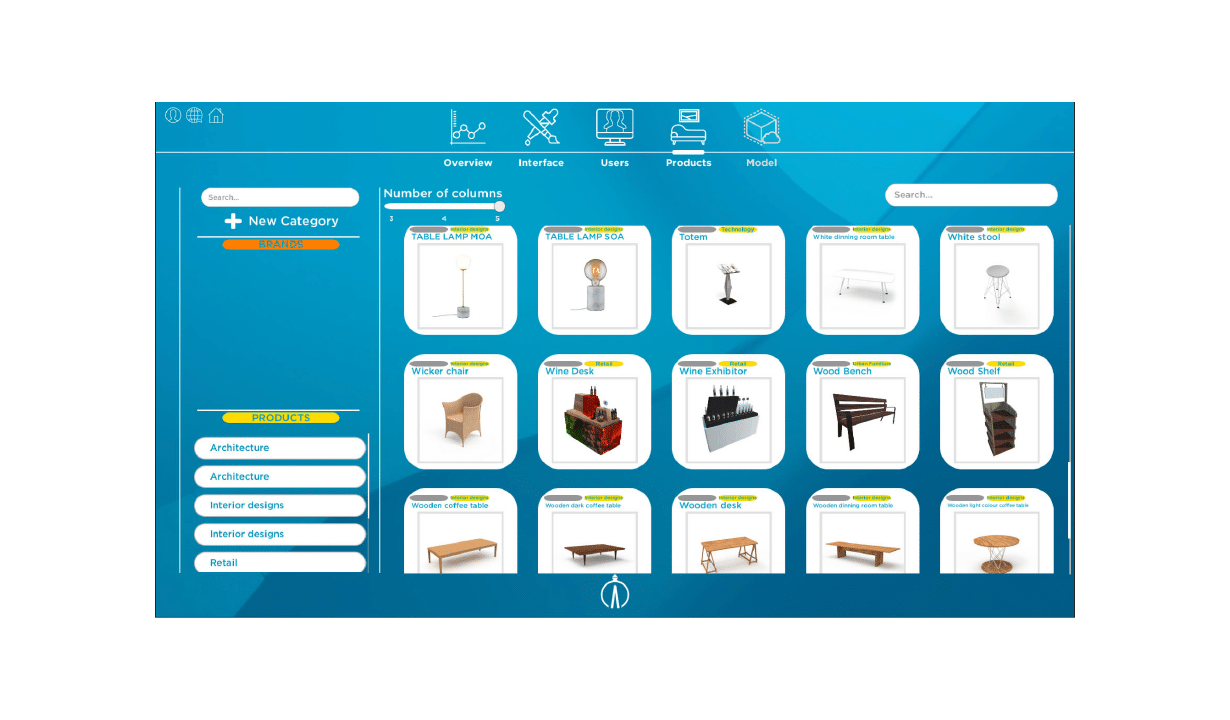
In this section appears in a generic manner the whole product catalog uploaded in Alice App.
To have a bigger control of all the products, you can group together them to form subgroups of categories. These categories, in turn, also have another own tags to organize them according to user’s needs.
Moreover, when you want to visualize products, you can edit the style in which they are displayed in columns of 3, 4 and 5.
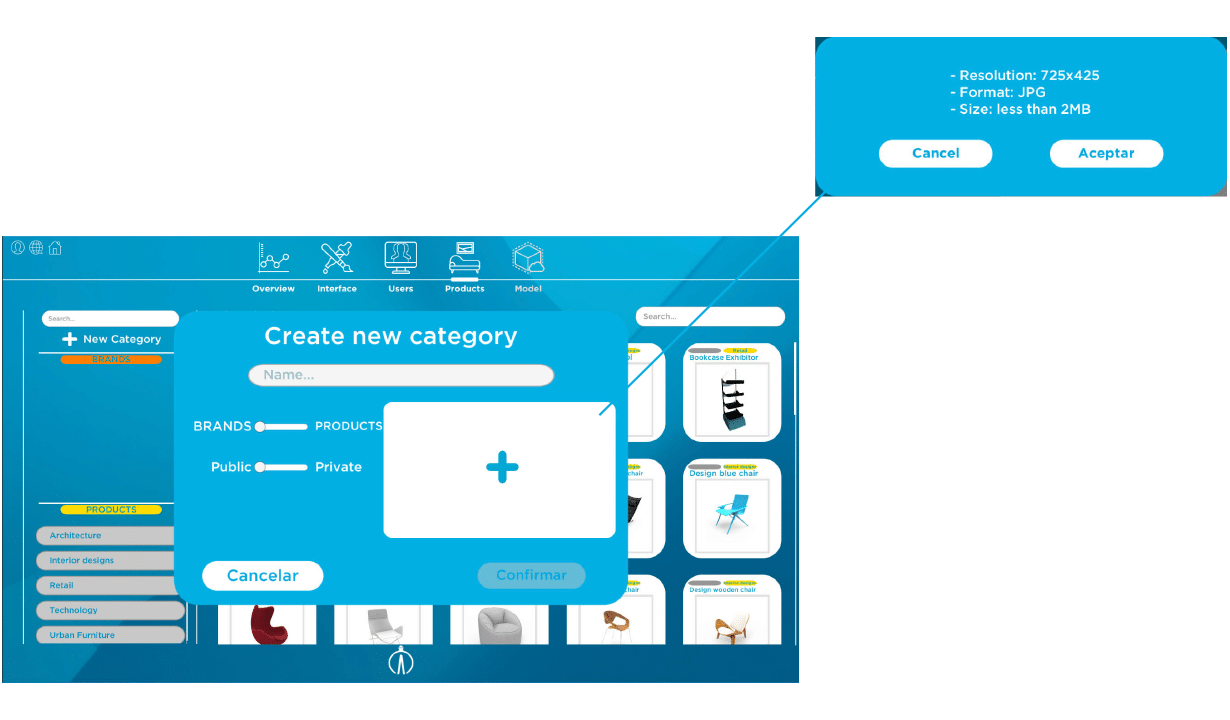
Create category
When you click in the button of adding a new category, it appears a window to create it.
You must introduce category name, in which will be located all the tagged products. In addition to that, it will be necessary to define if the product belongs to the brand subgroup or product subgroup, and if it will be public or privet —for which a previously selected department or group of them will have accessed—.
Furthermore, you must add an imagen that allows the category to be identify in Alice App. You must meet technical specifications: 725 x 725 resolution, JPG format and a size less than 2MB.
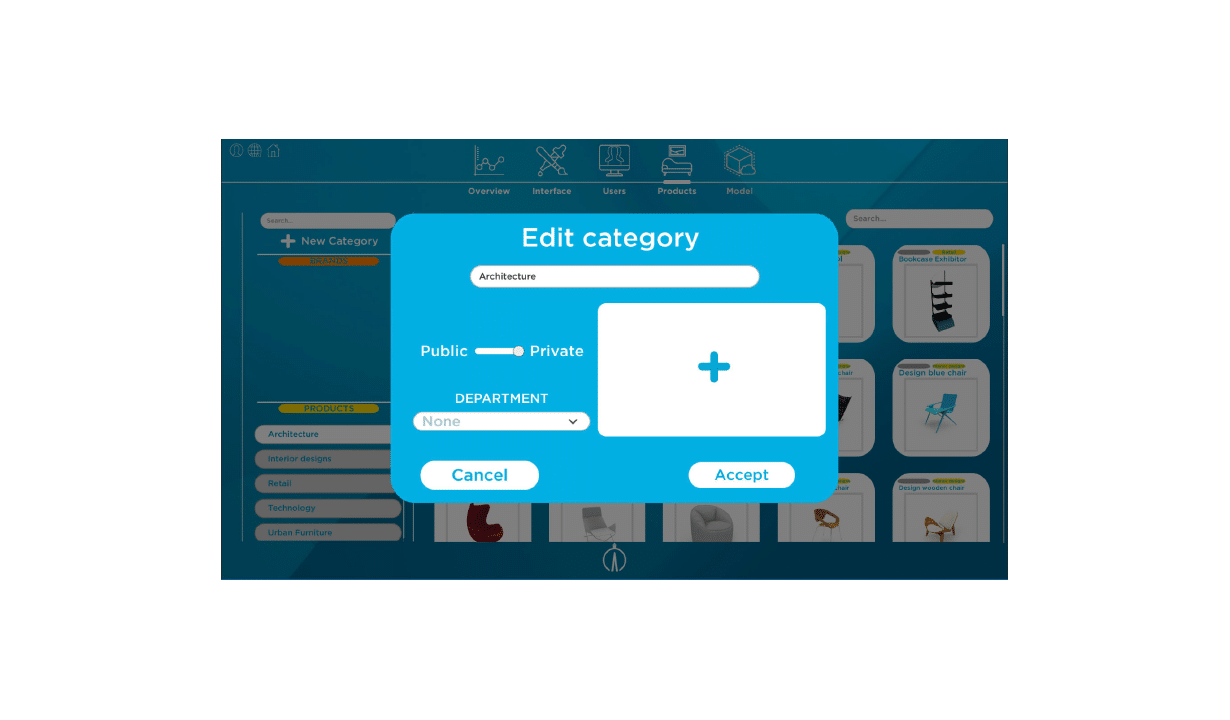
Edit category
You can edit in any of the above areas through the window that appears once you have clicked in any of the categories.
Product search
This classification in category subgroups and tags make easier the identification and searched of products of the catalogue. So, when you click in one of the tags it will appear all the range of products identified with it.
You also can use the search button located in the upper righthand box for a more concrete search. When you introduce the keyword appears the different products that are tagged with it.
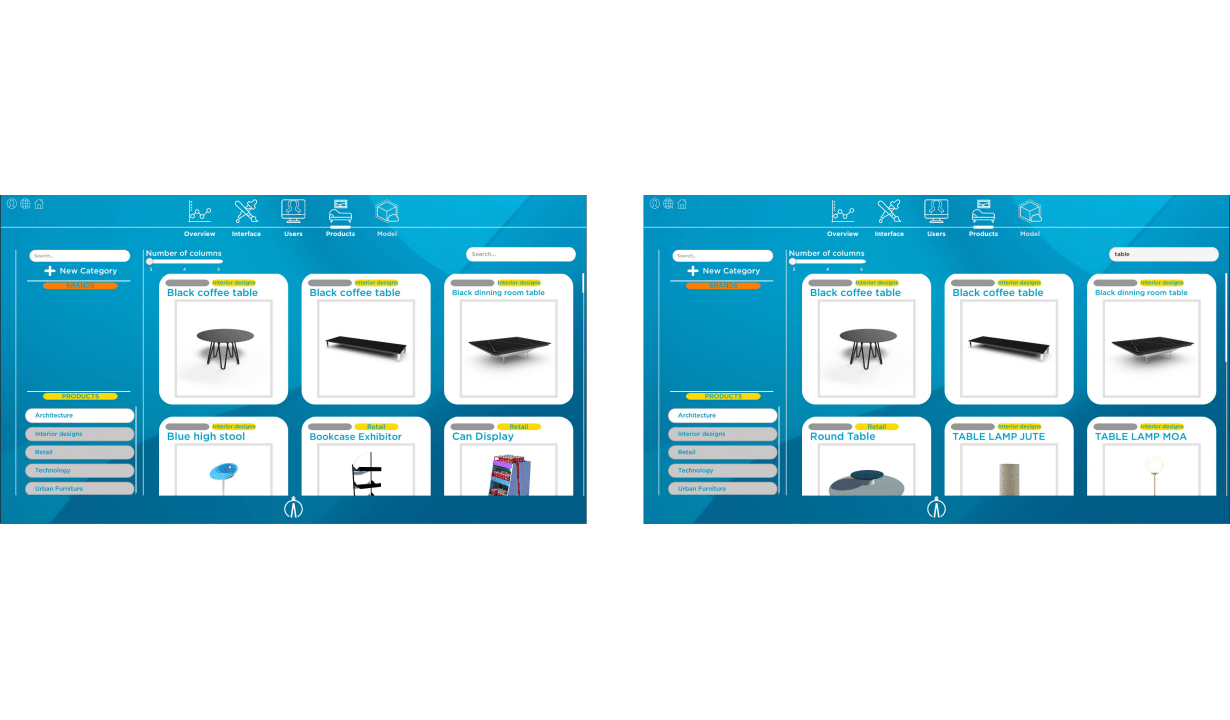
Edit product
You have the option of editing the products each time you click in them. The item selected will appear in a new window with a range of options to edit it.
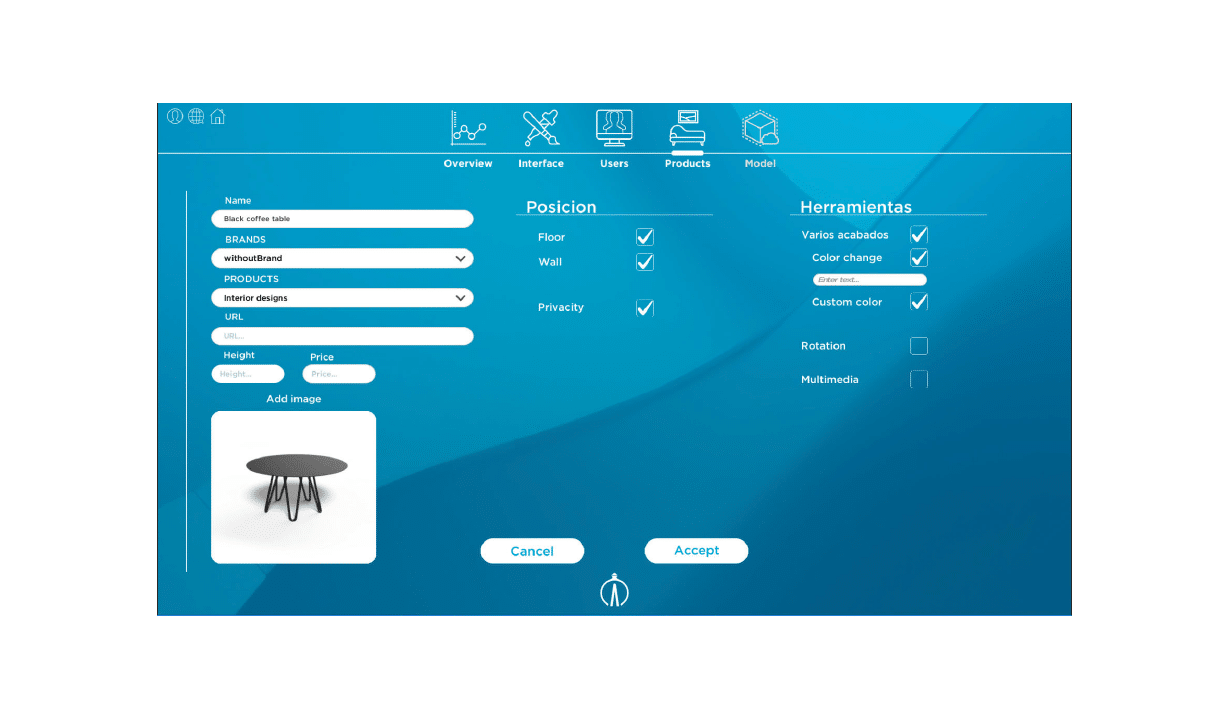
Move products
On the other hand, we also can move products to order them based on the necessities and tastes of the user. They are then shown in the order selected.
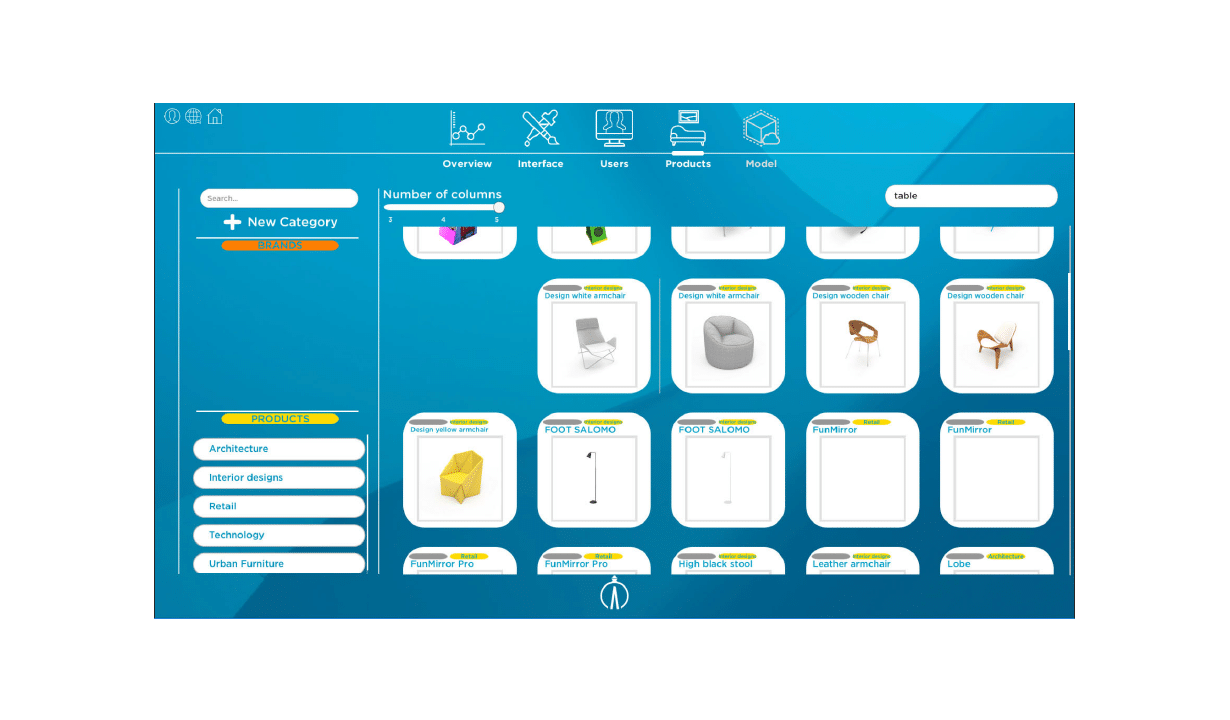
Delete products
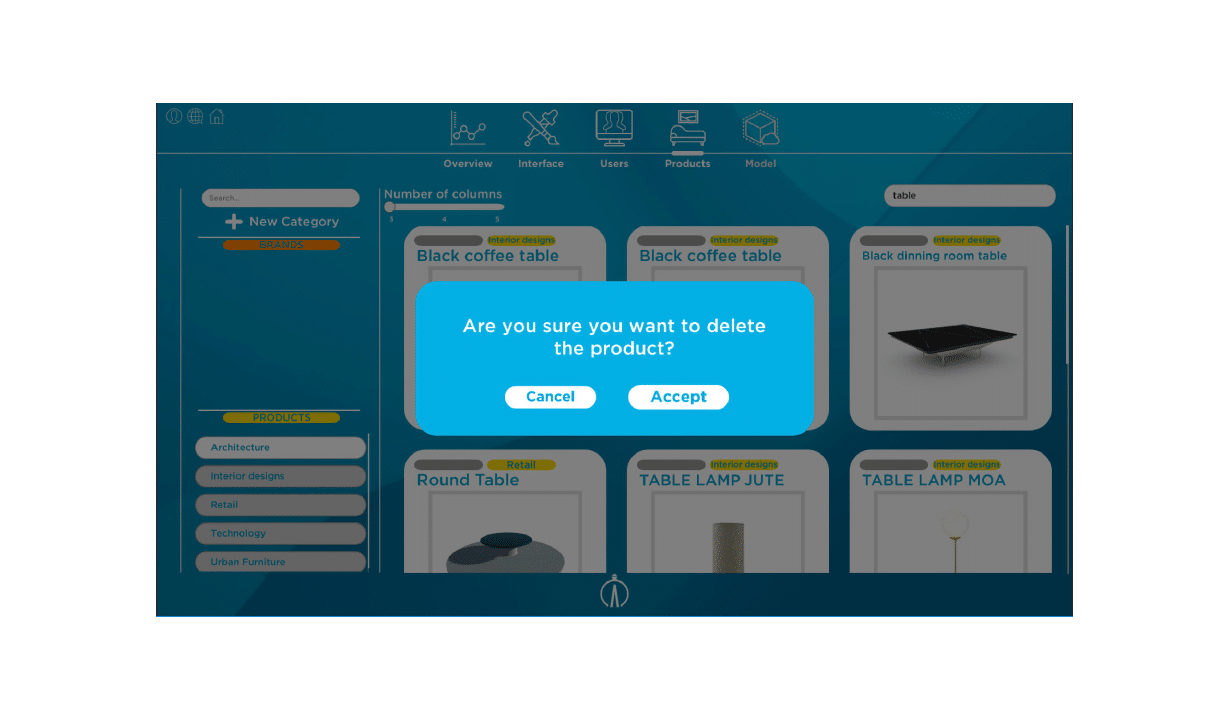
We also can delete products. Nevertheless, before doing it, it appears a window in which the user is asked if he or she is sure to delete the product.