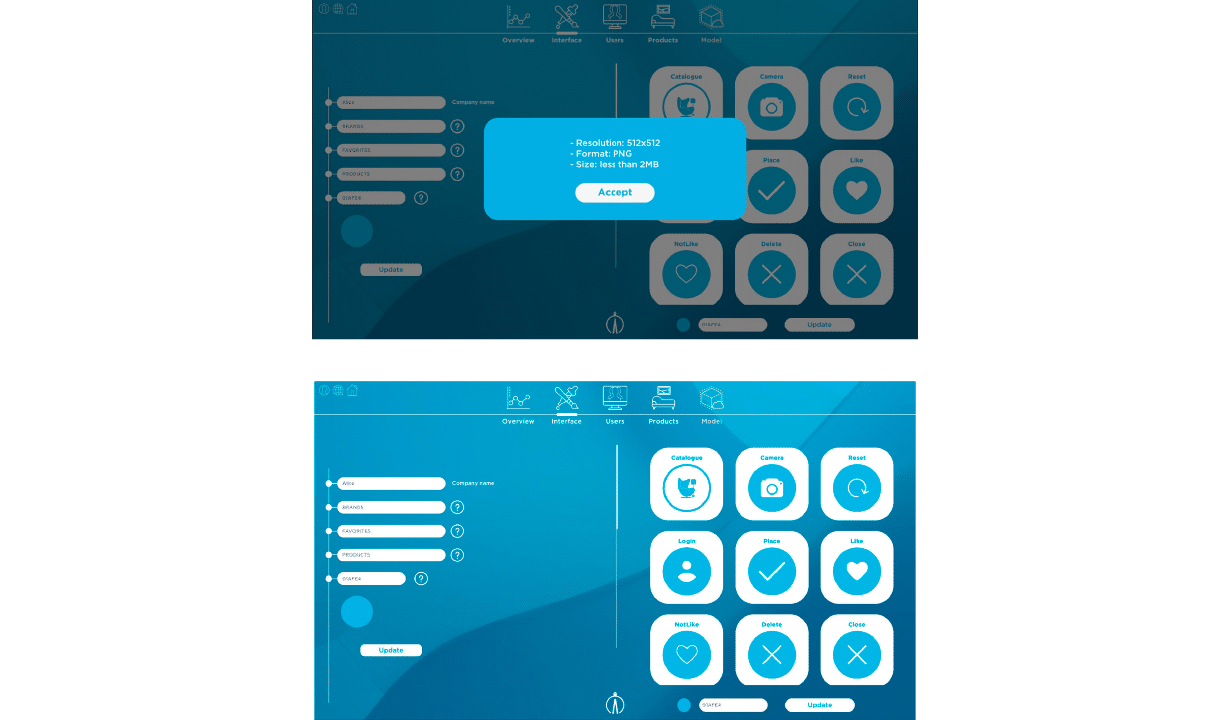
In this page the user can modify the general look of the catalogue in Alice App. Furthermore, he or she also can change the design of all icons that appear in it.
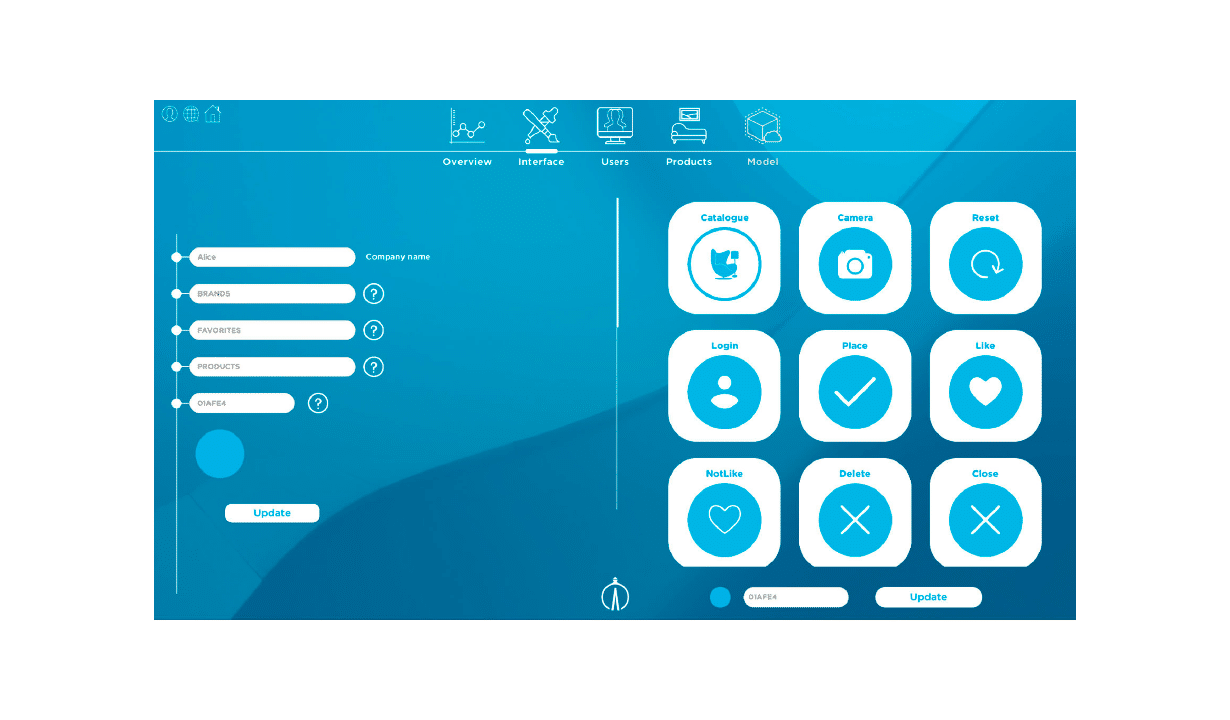
Catalogue design
In this way, the company name and the sections of brand, favorites and products can be edited, as well as the color of the boxes that frames these options.
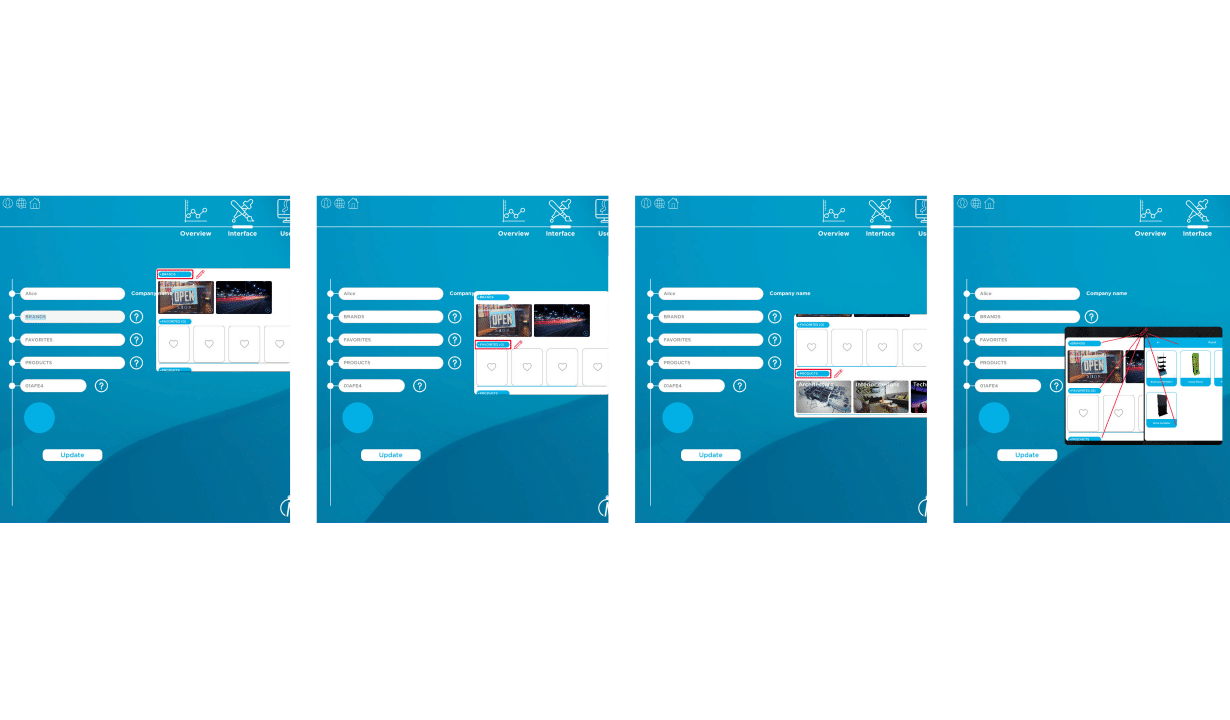
Icons
In reference to the icons, the user can customize them according to its corporate image and colors.
A window will be open to include or change the image each time the user clicks on any of them. IMPORTANT: this image must be had a 512 x 512 resolution, be uploaded in PNG format and have assize less than 2MB.
To personalize the app with the corporate colors it will be necessary to introduce the color code. This is clearly an advantage because you can change them all at a time.